

日本語
English
ArcNext
Getting Started with ArcNext
ArcNext helps basketball players log shooting workouts quickly and review their progress later. No account or initial setup is required.
Guide 01
Getting Started with ArcNext
Last updated: September 12, 2026ArcNext helps basketball players log shooting workouts quickly and review their progress later. No account or initial setup is required.
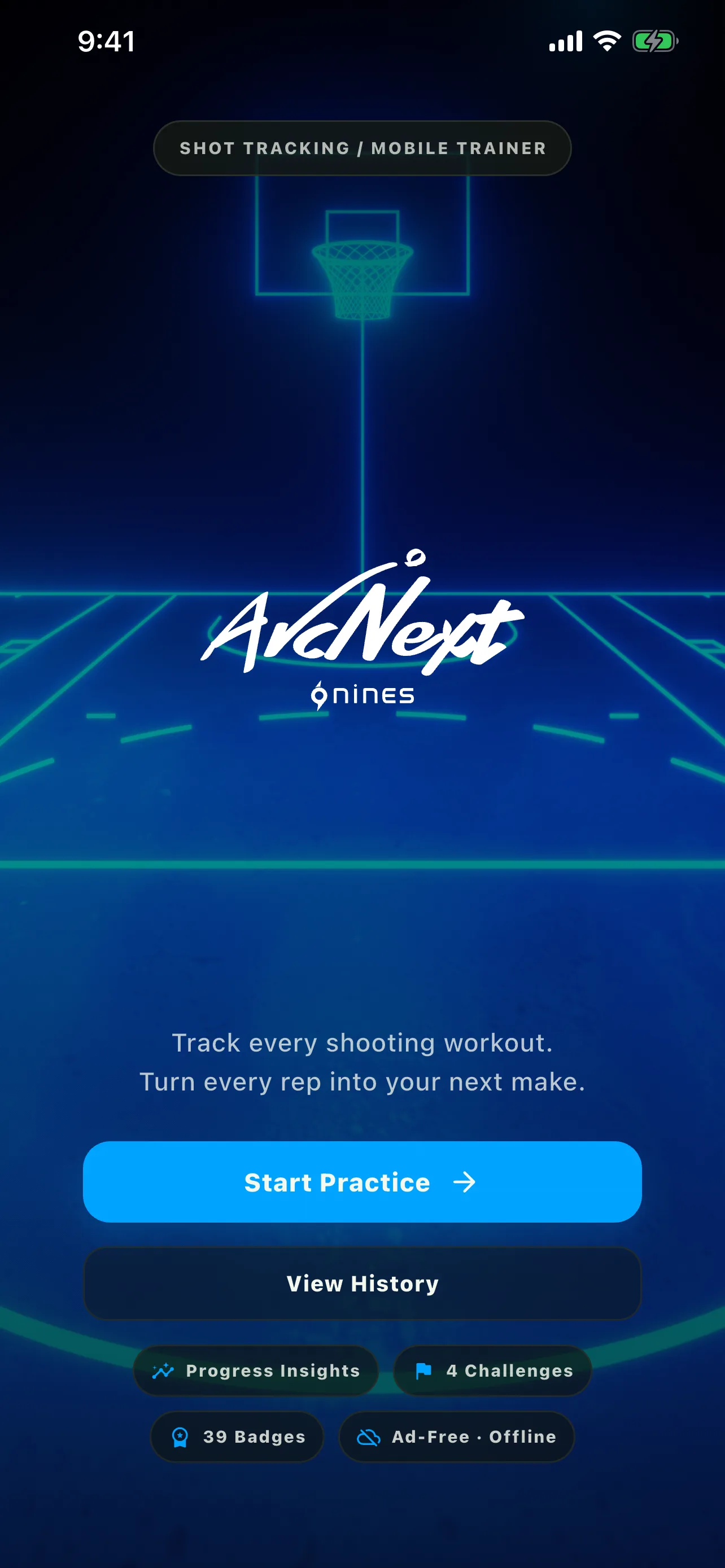
Start your first workout
Open the app, select the Practice tab, and choose the shooting area you want to work on.
- Open Practice from the bottom navigation
- Choose Deep Three, 3PT, Mid-Range, or Short Range
- Select a spot on the court and start tracking
The four main screens
- Account: backup, restore, sharing, reset, and app information
- Practice: track standard shooting workouts
- History: personal analytics, calendar, progress charts, and saved workouts
- Challenges: four structured shooting challenges
Your records stay on this device
ArcNext has no account registration or automatic cloud sync. Practice records are stored locally on the device you are using.
Export a backup before changing devices, repairing your phone, or deleting the app.
