

日本語
English
ArcNext
History and Practice Calendar
Saved workouts appear in History. Use the calendar to find a date, or open the history list to review individual sessions.
Guide 03
History and Practice Calendar
Last updated: September 12, 2026Saved workouts appear in History. Use the calendar to find a date, or open the history list to review individual sessions.
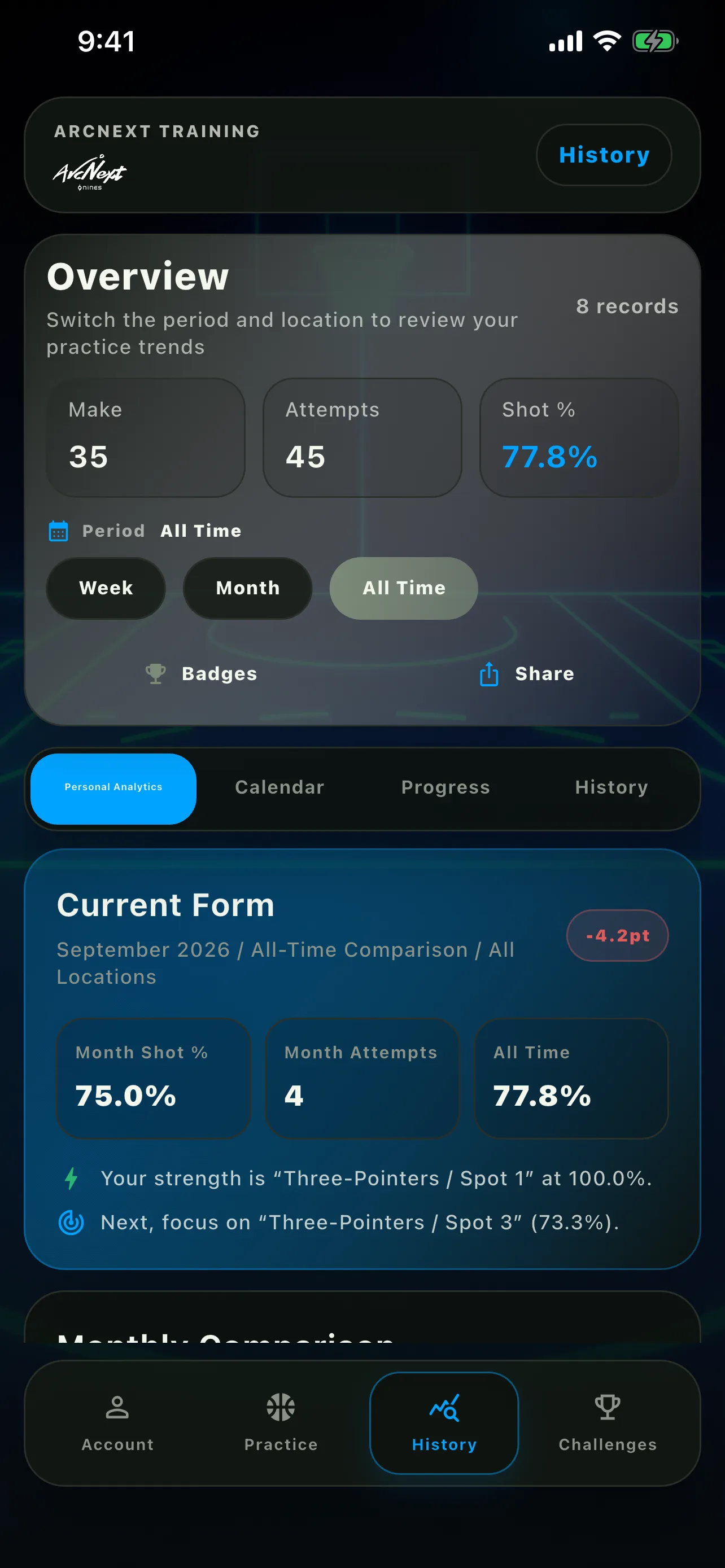
Four ways to review your work
- Personal Analytics: trends by month, location, menu, and court spot
- Calendar: workout dates and monthly totals
- Progress: session accuracy and your latest three-workout average
- History: saved workouts in reverse chronological order
Review a date from the calendar
- Open History
- Select Calendar
- Choose a day marked with a blue indicator
- Review makes, attempts, shot percentage, and workout details for that day
Open workout details
Select a workout in History to review makes, attempts, shot percentage, results by spot, and challenge details.
Edit a location or note
You can edit the practice location and notes from the workout details screen after saving. Shot results and attempt totals cannot be changed.
